





3D SURVIVAL HORROR GAME GUIDE
Play a Free Resident Evil Inspired Browser Game
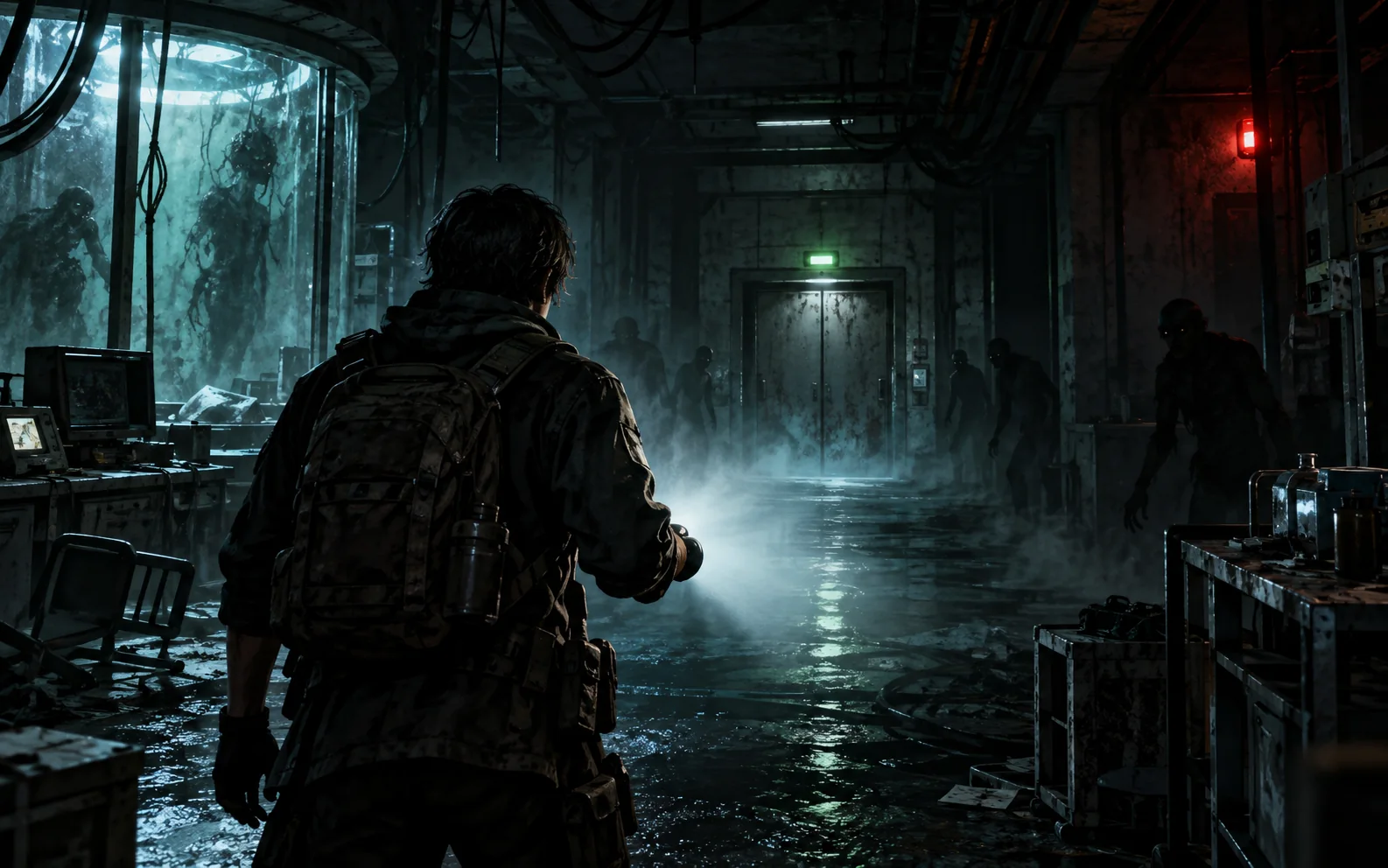
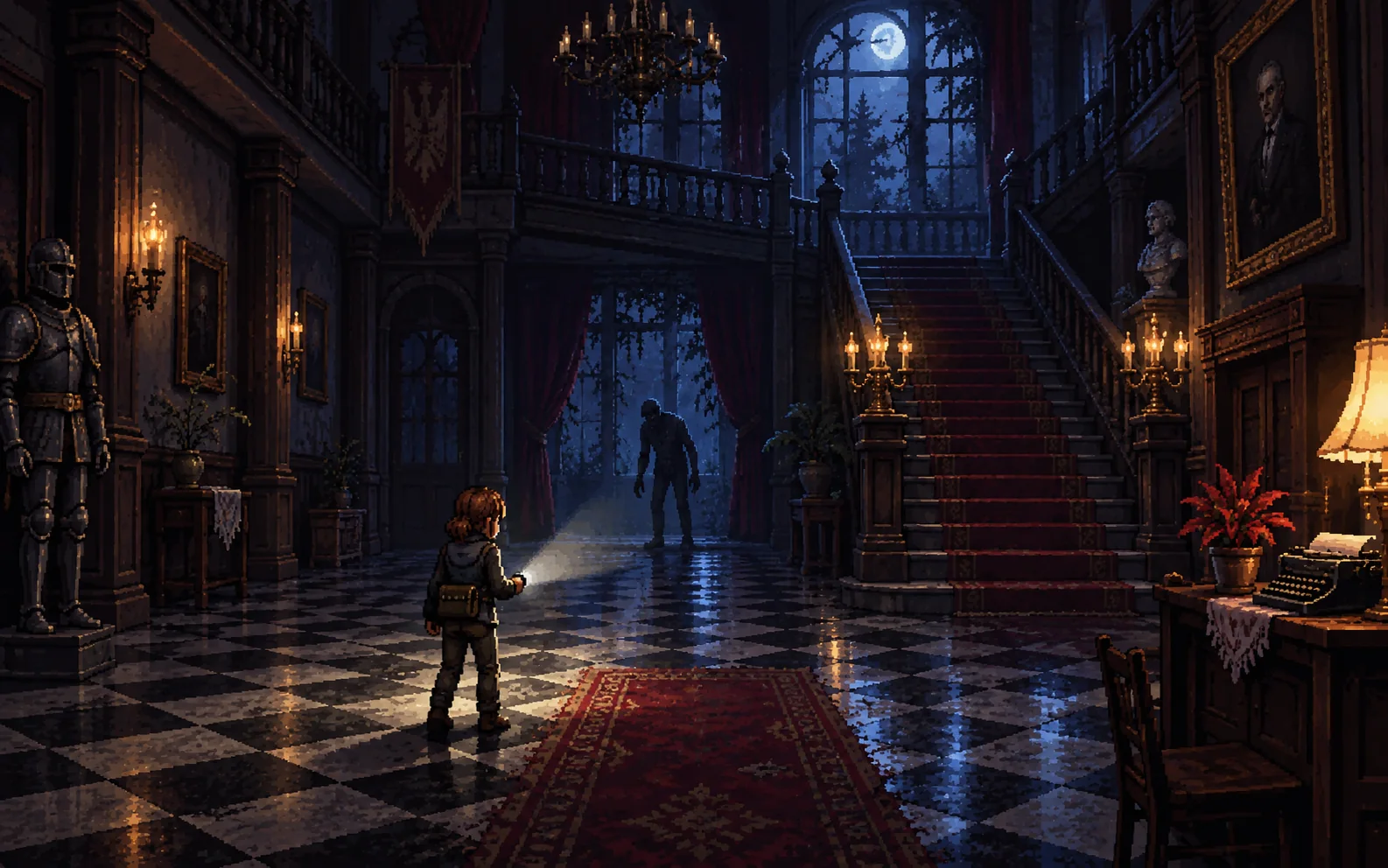
Underground Laboratory is an unofficial, fan-made browser tribute inspired by classic Resident Evil survival horror. Enter a first-person 3D research facility, search for three power fuses, manage scarce ammunition and make it to the elevator. It is a separate fan project and is not affiliated with or endorsed by Capcom.
Price: $0No accountNo download
Resident Evil 3D Gameplay: First-Person Zombie Survival
Explore a shadowy underground laboratory beneath the outskirts of Raccoon City in this Resident Evil inspired browser game. Find three spare fuses, restore elevator power and evade or fight the infected while watching your health and ammunition.
Search the rooms for ammo, first-aid kits and five documents that reveal clues about the outbreak. The T-virus setting, cramped corridors and flashlight-led exploration bring classic survival horror tension to a short, playable 3D game.
Umbrella, the T-Virus and Crimson Heads
This fan game places its outbreak in an Umbrella research laboratory near Raccoon City. Five documents describe the T-virus incident and provide clues for escaping the facility. Search rooms with the flashlight, collect first-aid kits when hurt and keep enough stamina for an emergency shove.
Some fallen zombies can revive as faster Crimson Heads. Headshots matter, and the pistol and shotgun reward different distances. These mechanics make Underground Laboratory a Resident Evil style FPS with resource management as well as zombie shooting.
Controls, Weapons and Survival Tips
Use WASD to move and the mouse to look around. Sprint with Shift, shoot with the left mouse button, shove with the right mouse button, reload with R, switch between the pistol and shotgun with 1, 2, Q or the mouse wheel, and toggle the flashlight with F. Press E to interact and Esc to pause.
Ammo is limited, so aim carefully, search for supplies and use the shove to create room when a zombie gets close. Click inside the game to lock the pointer; press Esc to release it.
Play the Free Horror Game in Your Browser
Play this Resident Evil fan game online for free in a desktop browser. Its 3D graphics use WebGL, and its controls require a keyboard and mouse. No account or installation is needed. Fans searching for a Biohazard inspired browser game can start directly in the player above.
This is an unofficial fan-made Resident Evil inspired game. Resident Evil and related names belong to their respective owners; this project is not an official game and is not endorsed by Capcom.
3D Survival Horror Game FAQ
- Can I play this Resident Evil inspired game online for free?
- Yes. Underground Laboratory is a free, unofficial fan-made browser game. Open the page on a desktop browser with WebGL support; no download or account is required.
- Is this an official Resident Evil game?
- No. It is an independent fan-made tribute inspired by classic survival horror and is not affiliated with or endorsed by Capcom.
- What is the objective in the 3D zombie game?
- Find three spare fuses in the underground laboratory, restore power and reach the elevator while surviving the infected.
- How do I shoot zombies and use the flashlight?
- Click inside the game, use the mouse to aim and left-click to shoot. Press F to toggle the flashlight; R reloads and the number keys switch weapons.
- Does the 3D horror game work on mobile?
- The game is designed for keyboard and mouse on desktop and requires WebGL. Touch controls are not provided.